CS2
PRIVATE SOFTWARE
GHOST
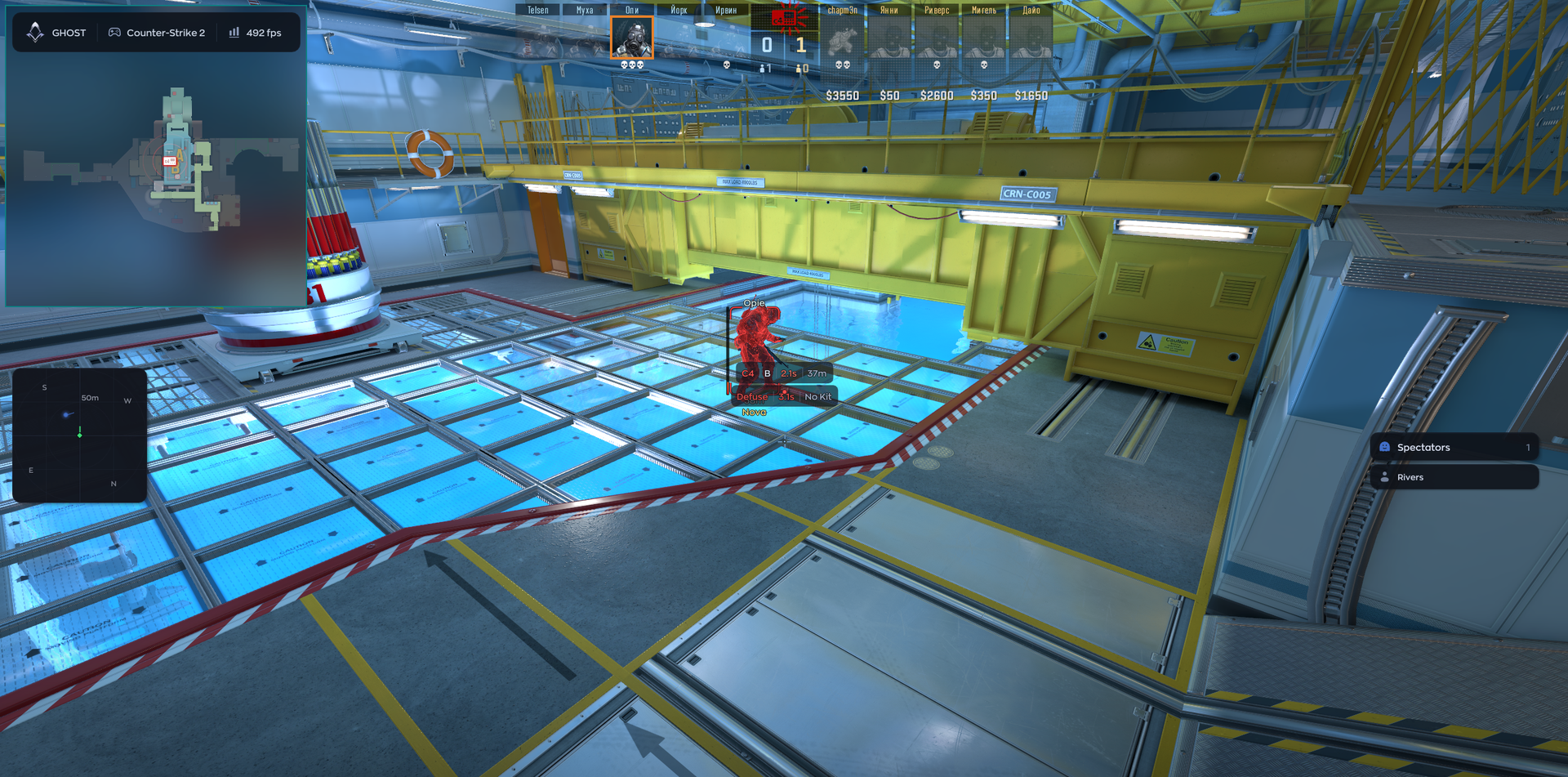
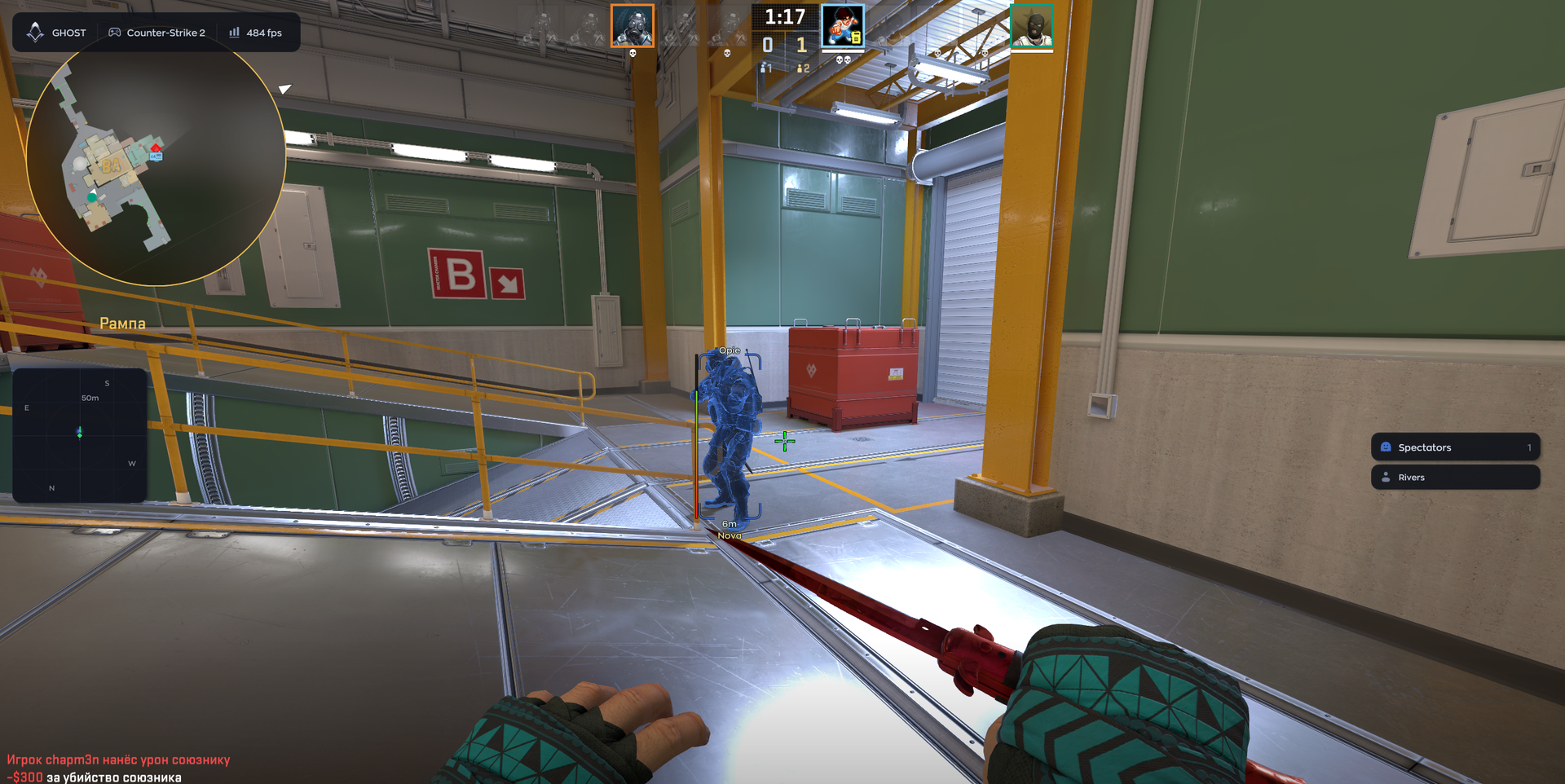
The Ghost Counter-Strike 2 cheat combines configurable aim controls with humanization and recoil control, alongside player ESP and radar information. Adjust the targeting behavior and visual information to keep the Counter-Strike 2 setup focused on the details you choose to follow.
STATUS
UNDETECTED

FEATURES
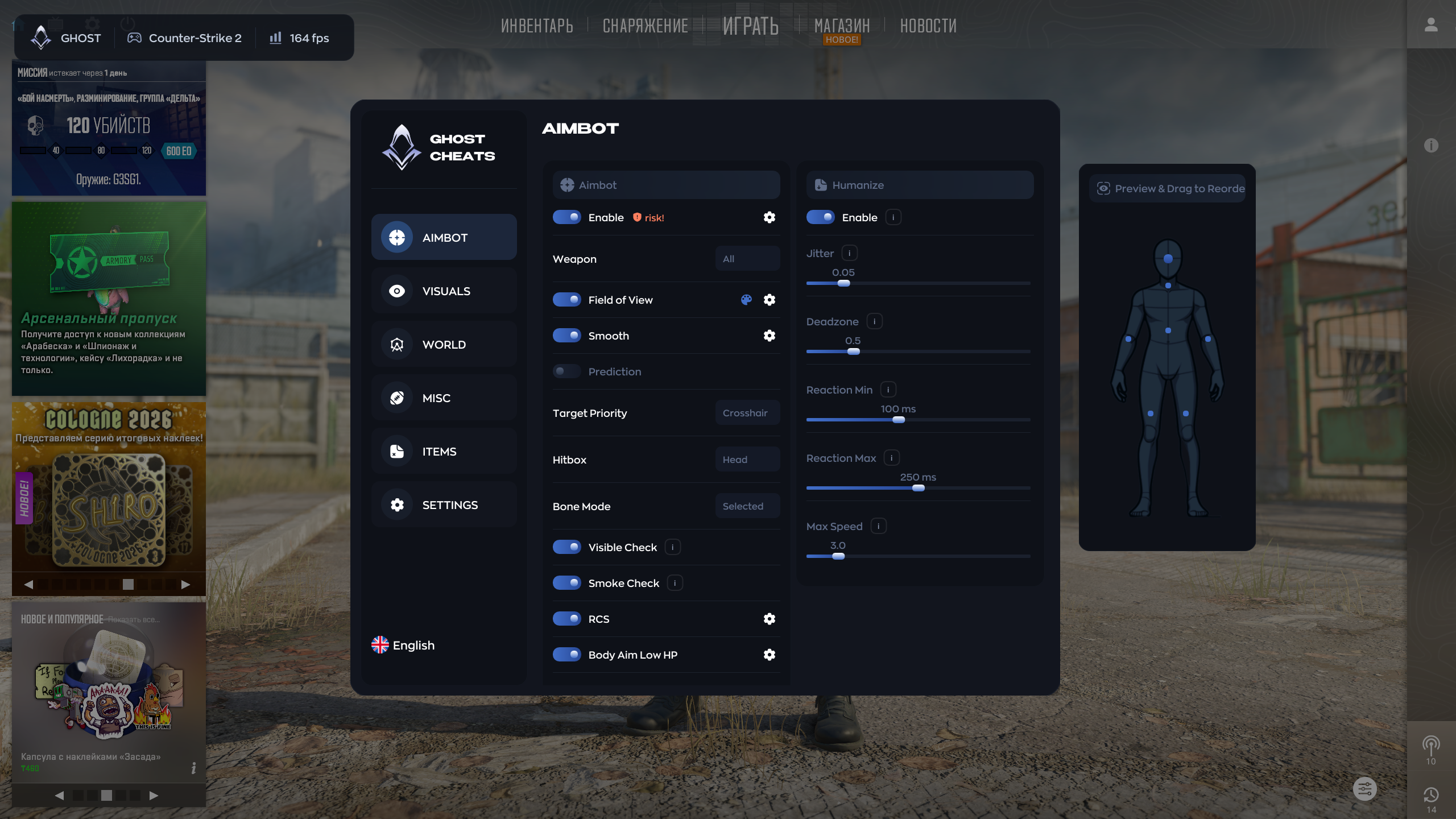
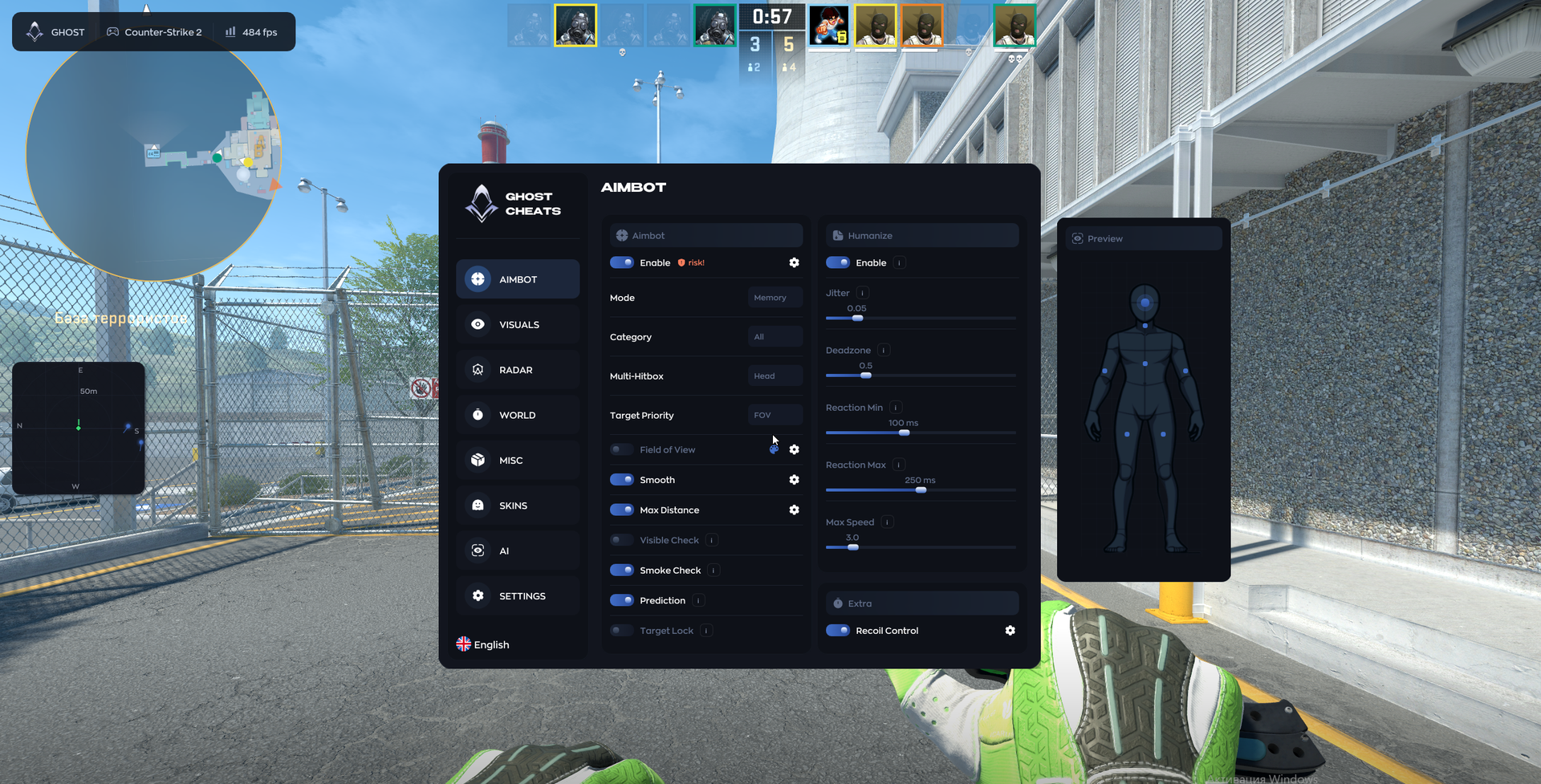
AIMBOT (MEMORY)
- Enable
- Field of View
- Smoothing
- Hitbox
- Bone Mode
- Humanization
- Recoil Control
- Reaction settings
- Bullet prediction
- Target priority by HP: aim at the enemy with the lowest health
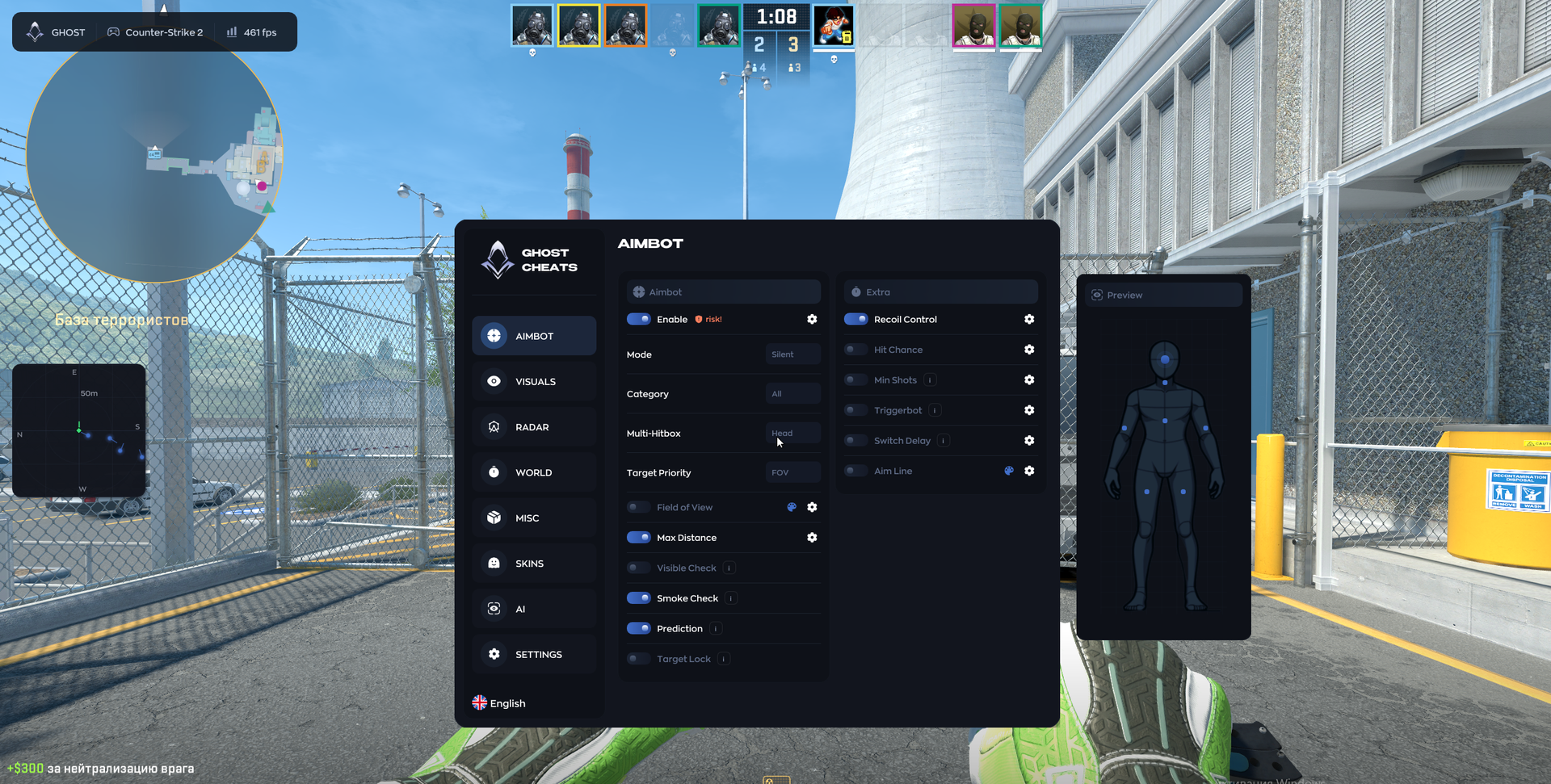
AIMBOT (SILENT)
- Field of View (FOV)
- Visible Check
- Hitbox Mask
- Hit Chance
- Minimum Shots
- Triggerbot with adjustable delay
- Switch Delay between targets
- Aim Line with adjustable color and thickness
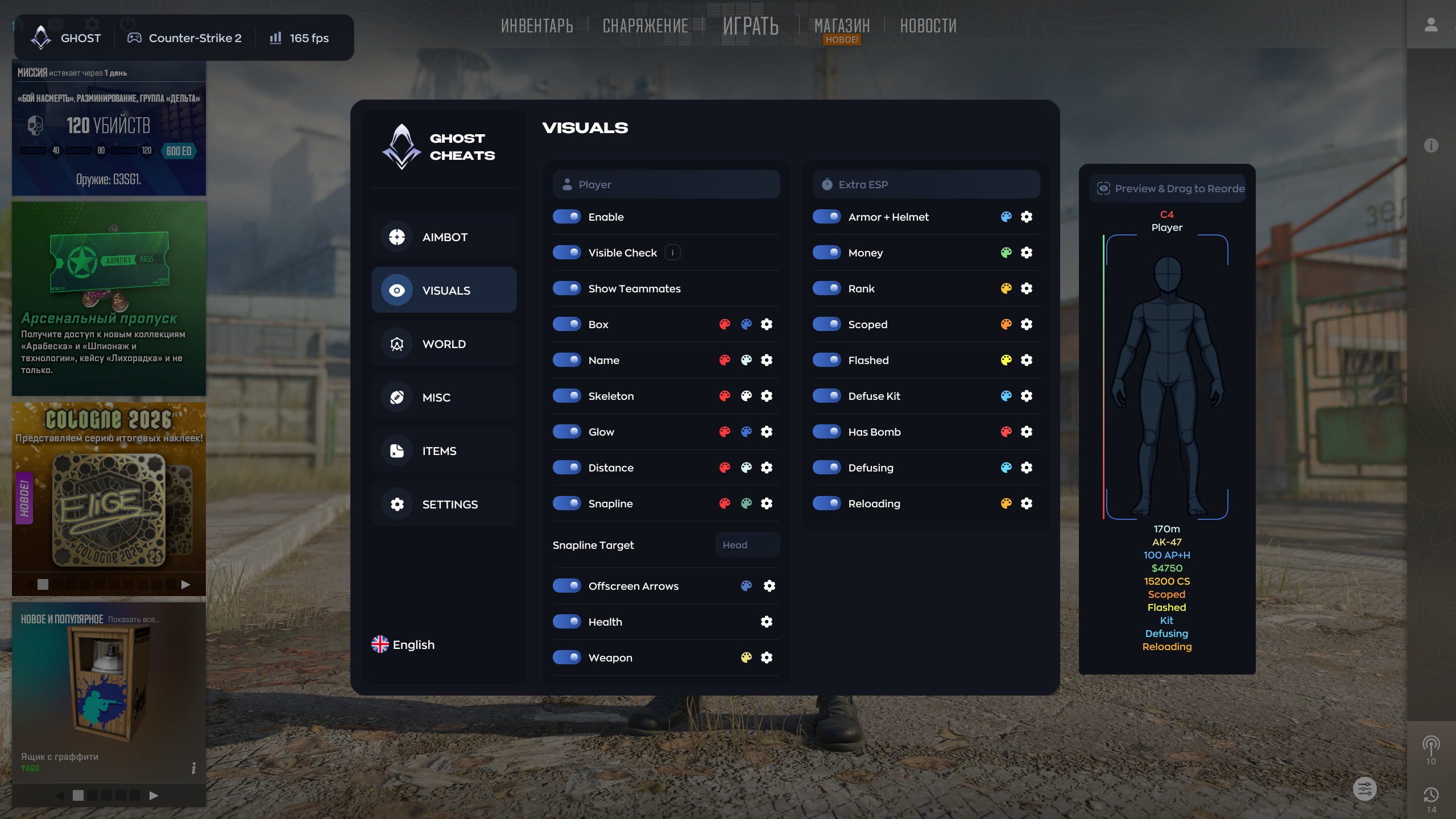
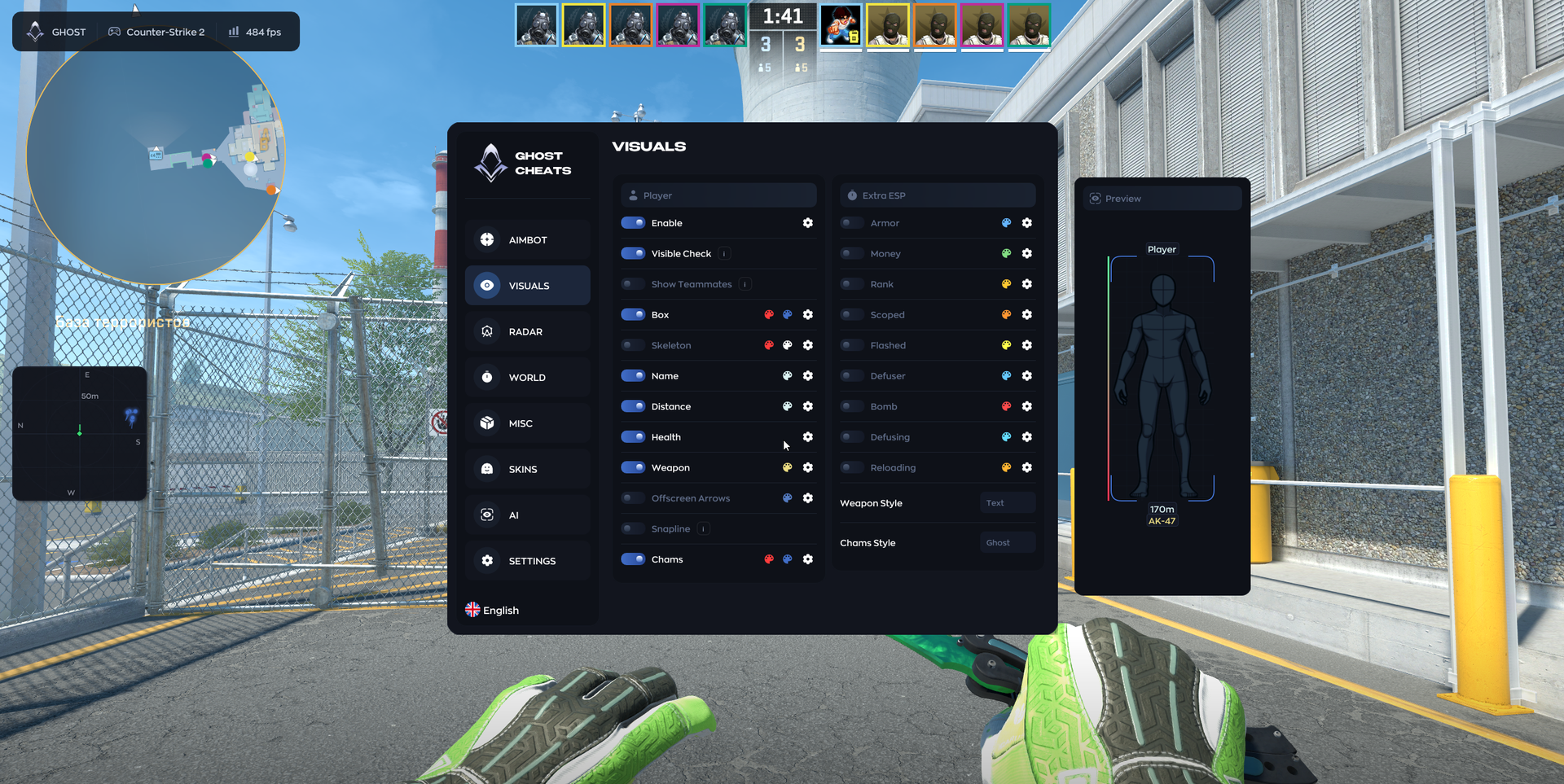
VISUALS
- Enable
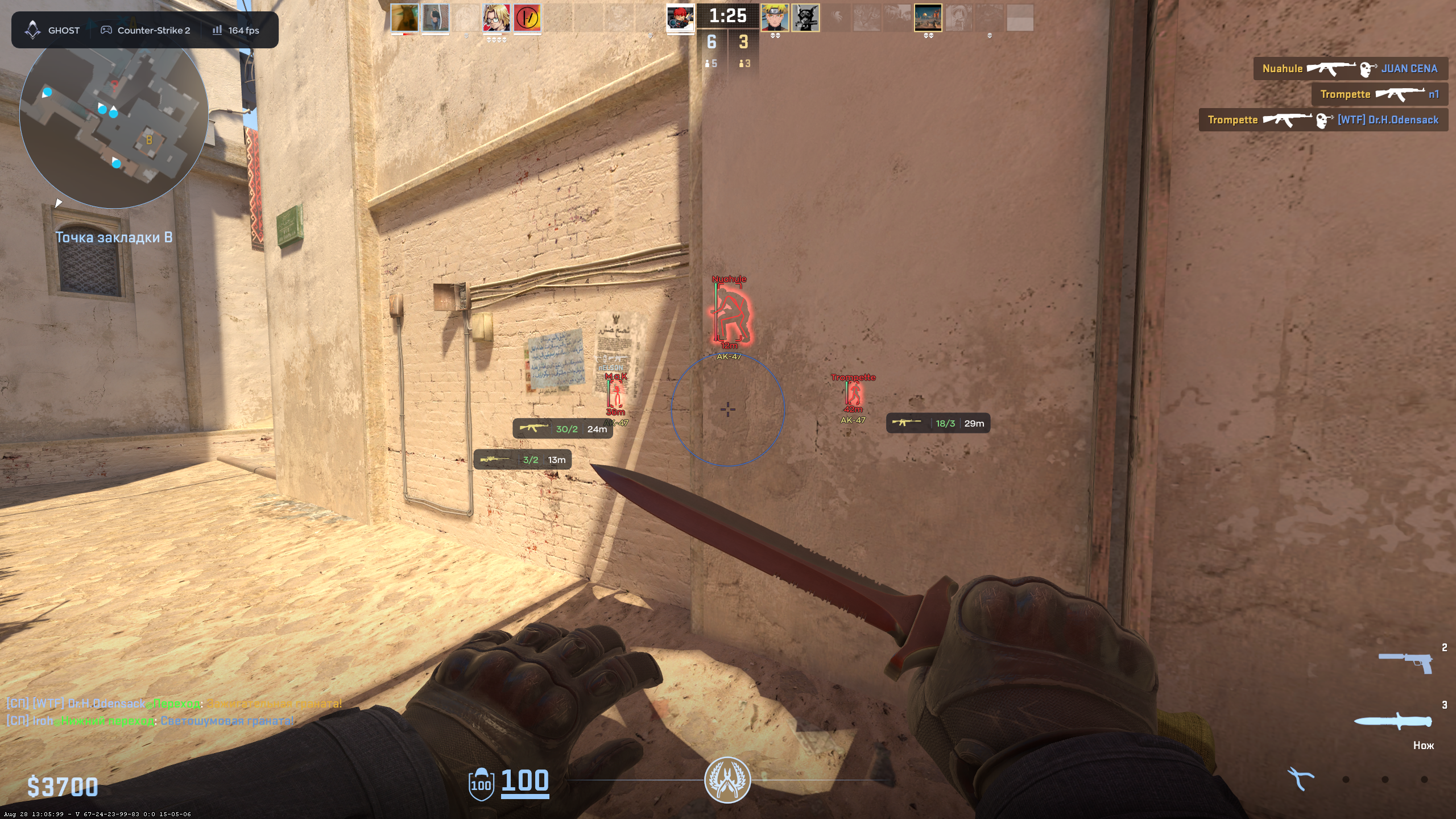
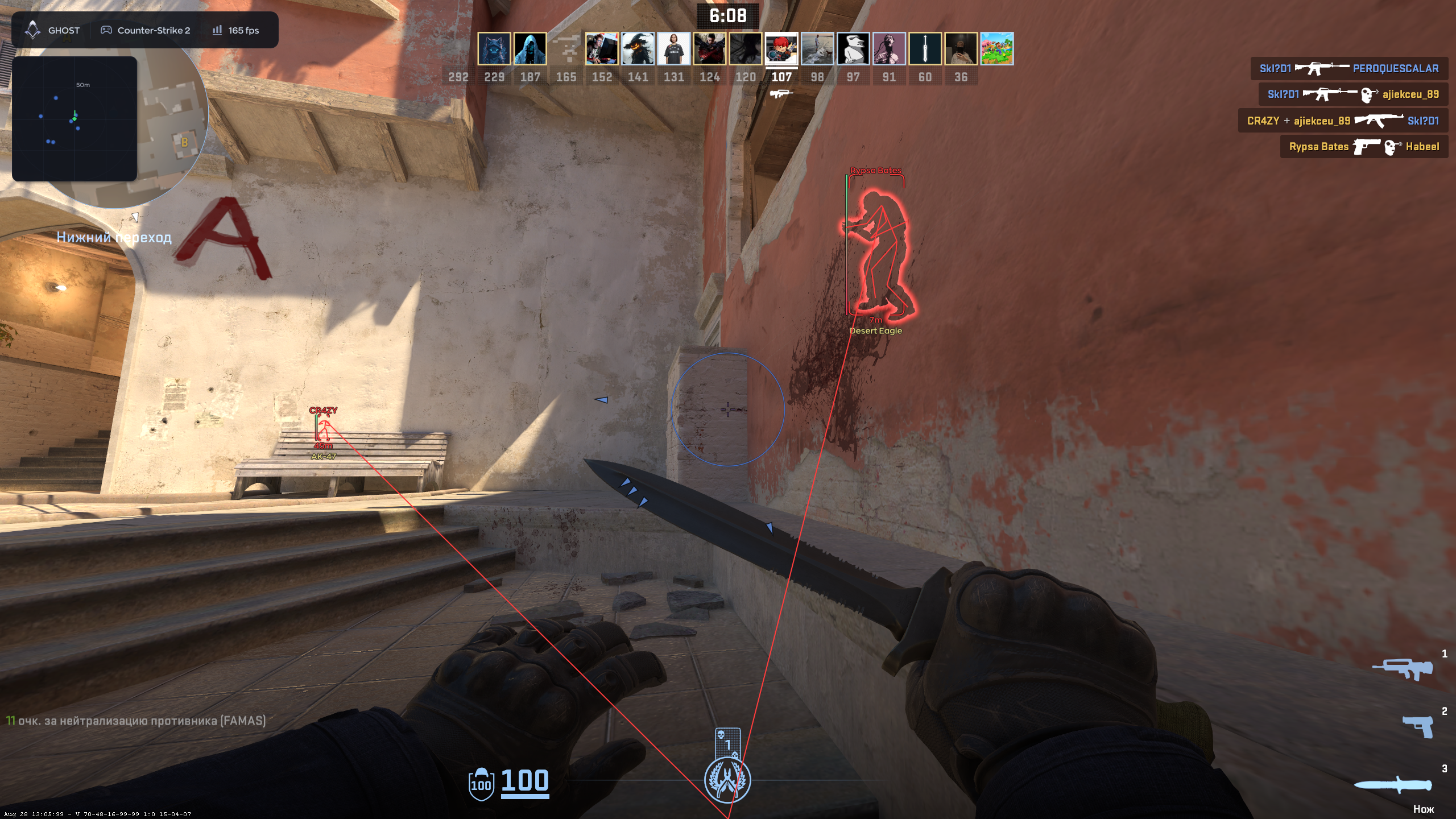
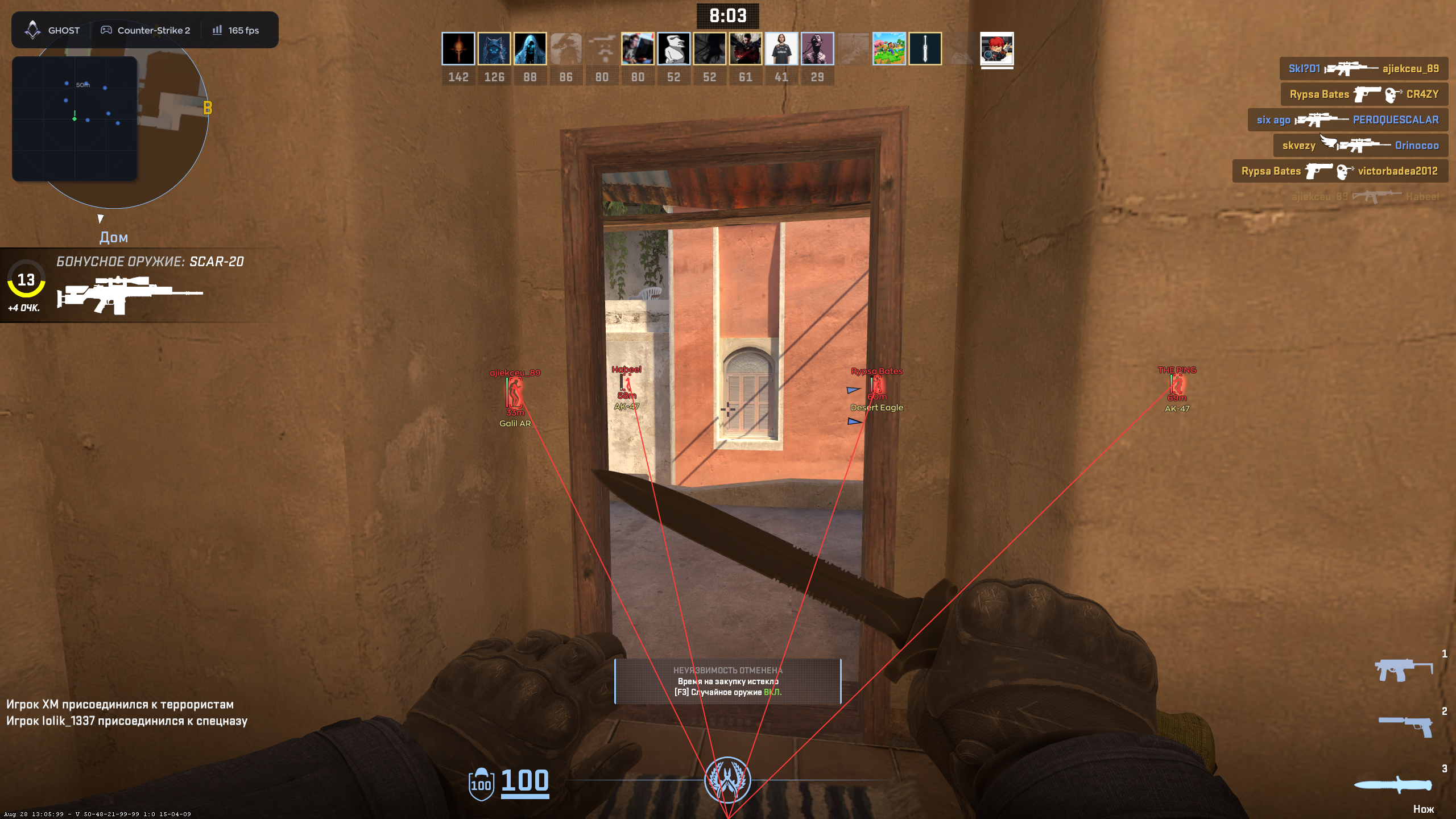
- Player ESP
- Visible Check
- Box
- Name
- Health
- Distance
- Offscreen Arrows
- Skeleton with circles at the joints
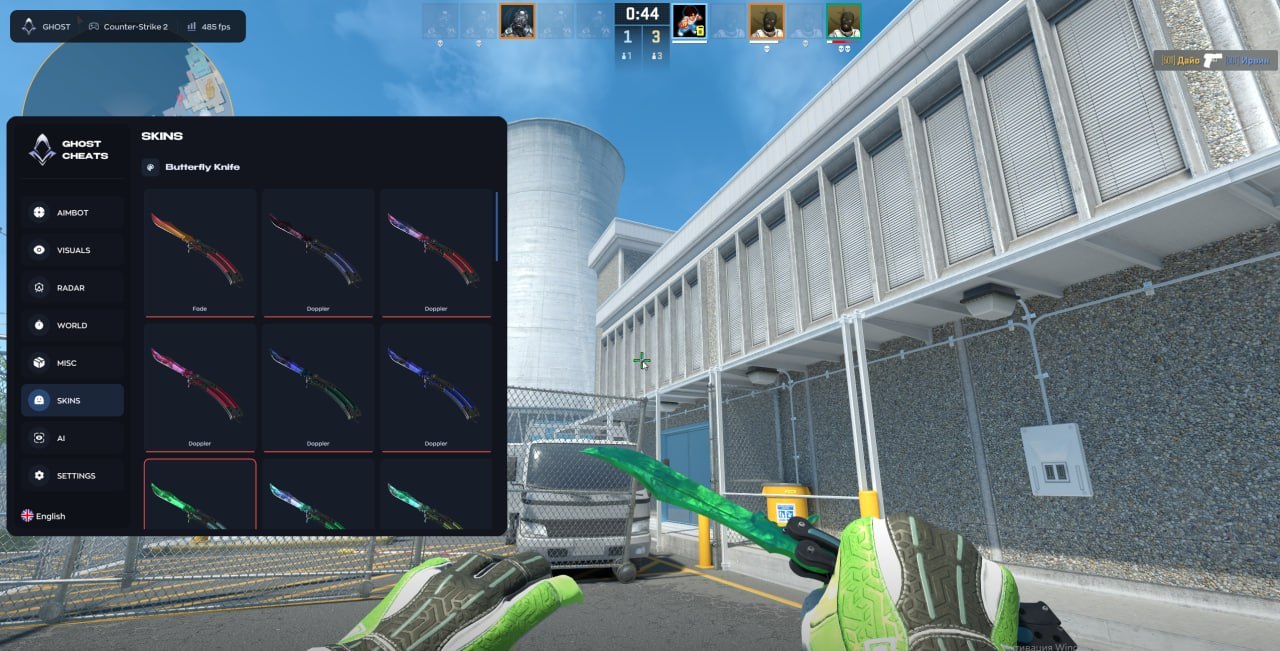
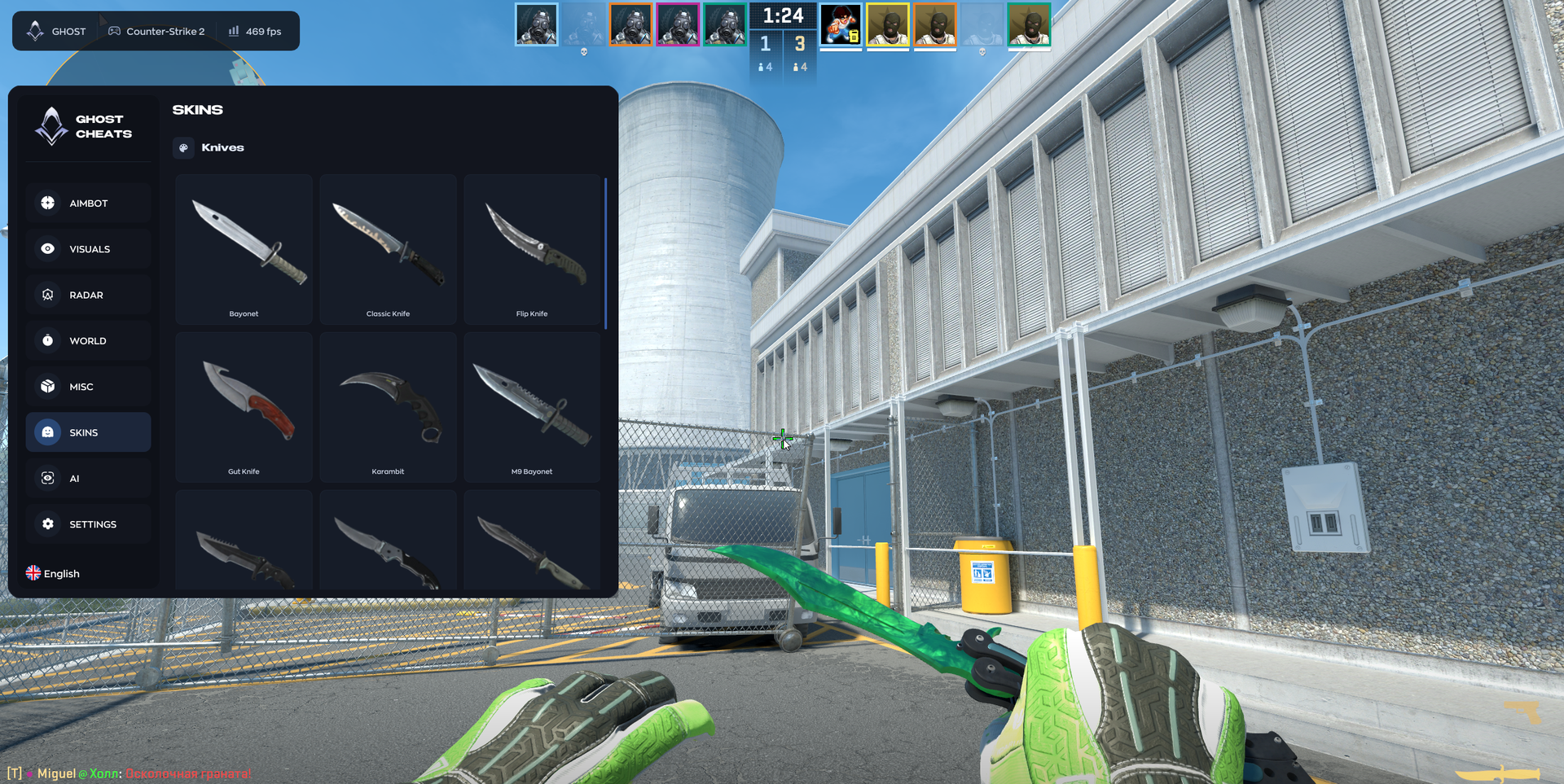
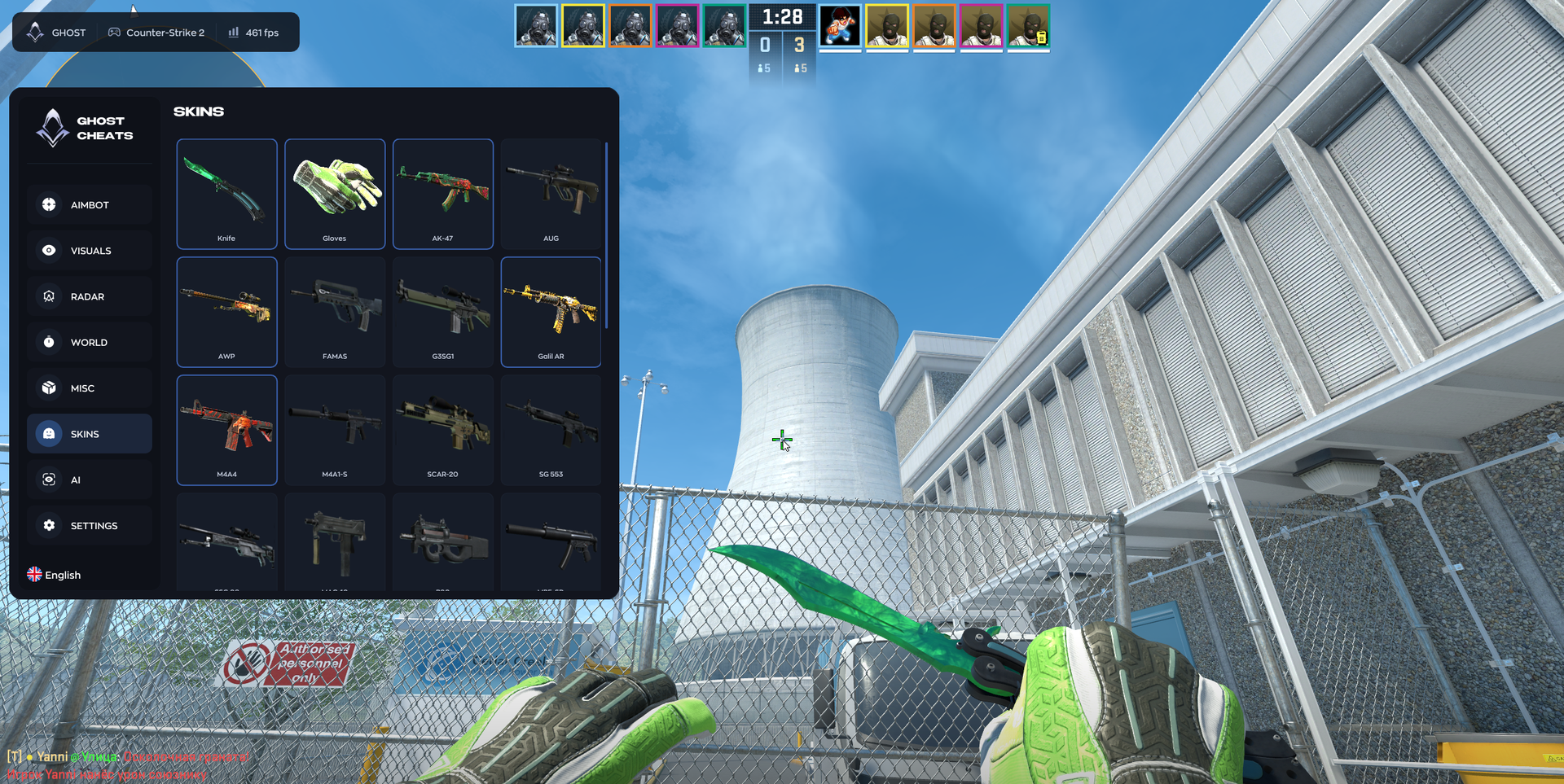
SKINCHANGER
- Change weapon, knife and glove skins
- 18 knife models
CHAMS
- 3D player models through walls
- Separate visible and hidden colors
- Maximum distance
- Styles:
- Flat
- Rim
- Metallic
- Cel-Shaded
- Chrome
- Ghost
HIT LOG
- Track hits with damage and on-screen notifications
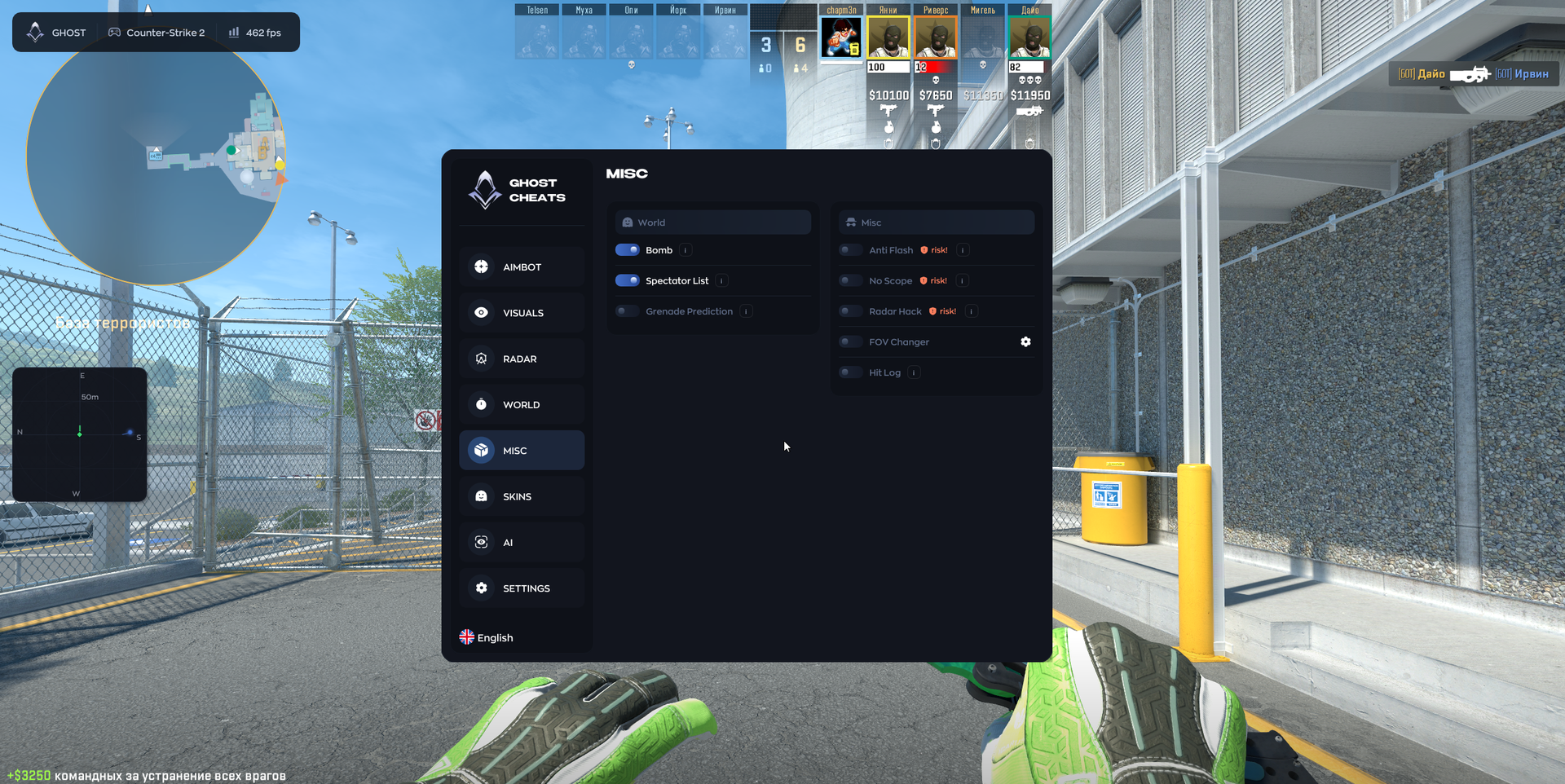
GRENADE PREDICTION
- Display grenade trajectories with bounce points
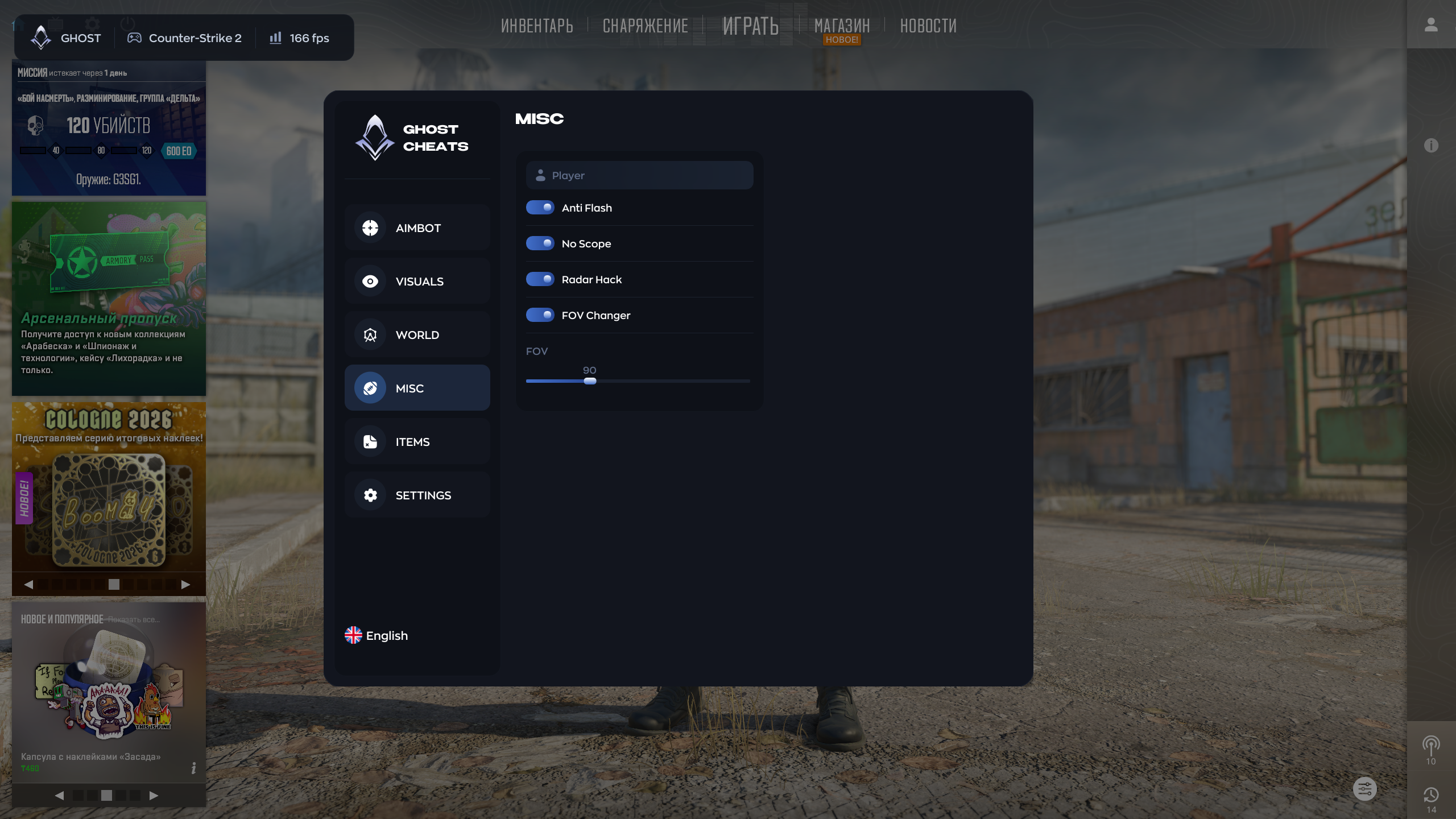
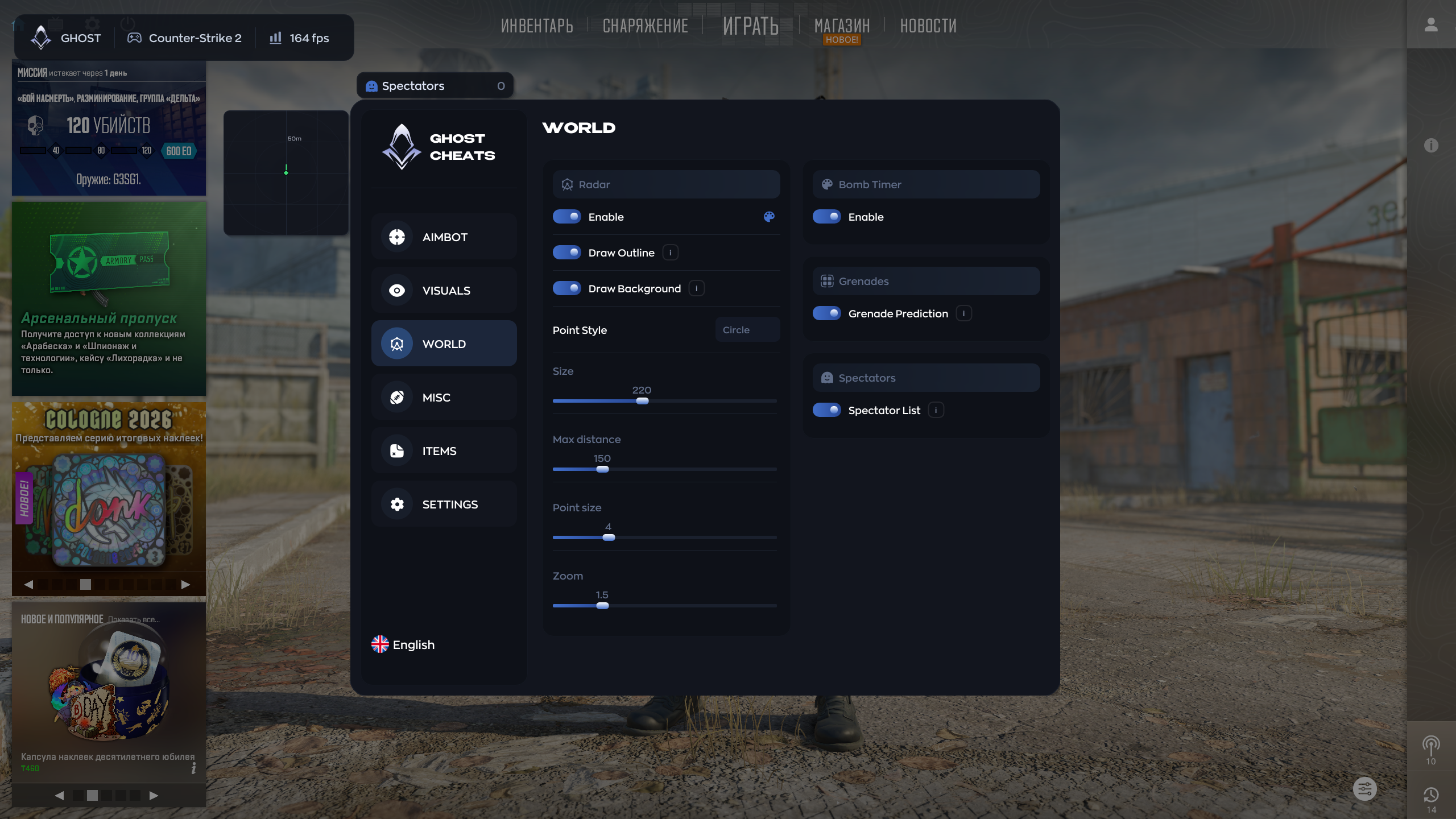
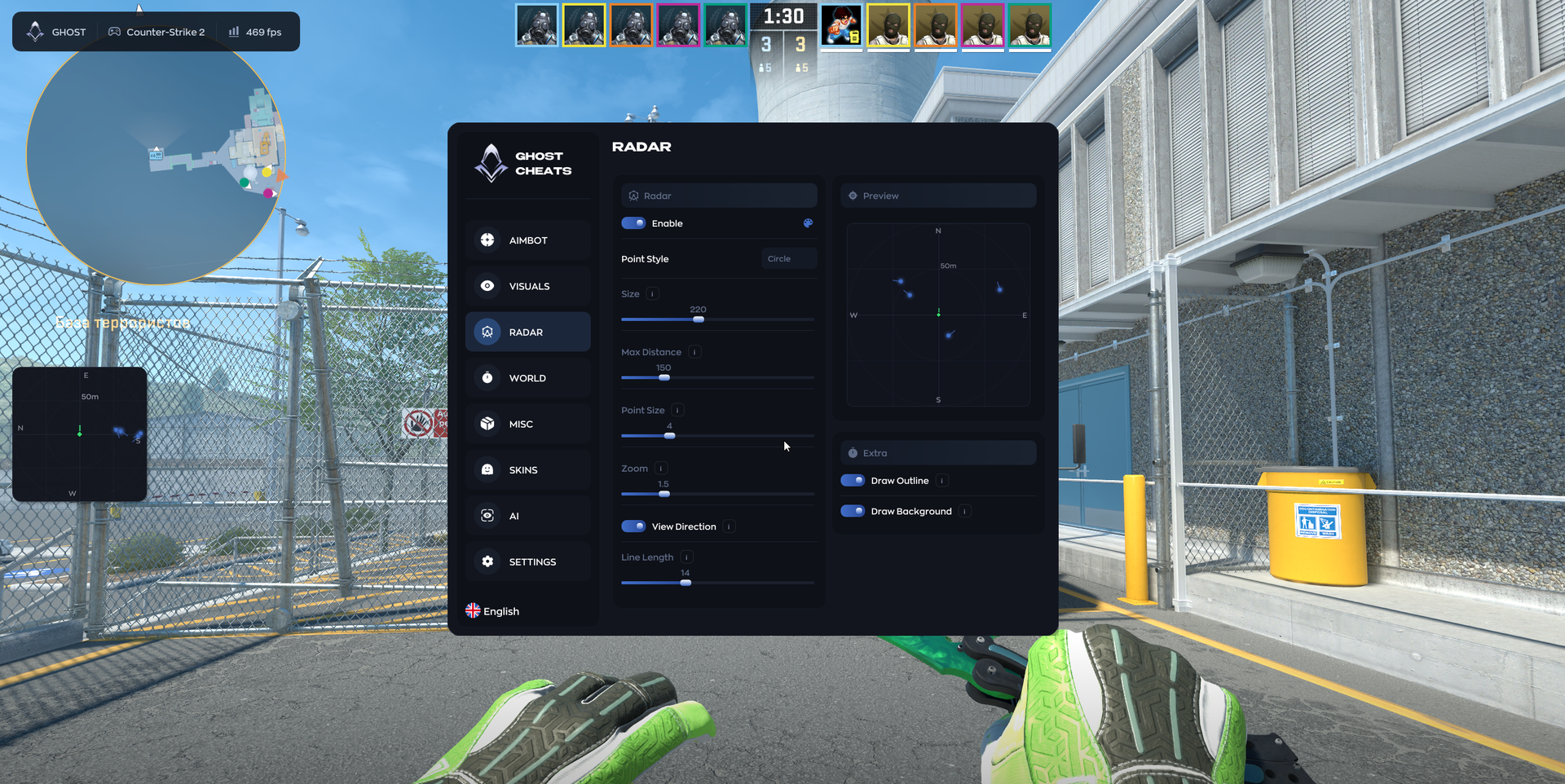
RADAR
- Enable
- Player Radar
- Max Distance
- Point Style
- Zoom
- View Direction with adjustable line length
ESP PREVIEW
- Use the mouse wheel to adjust font size, skeleton thickness and health-bar width
- Place selected ESP elements inline independently of other elements
- Drag to reorder elements at the same position
- Zone labels and highlighting while dragging elements
- Rotating gear animation on click
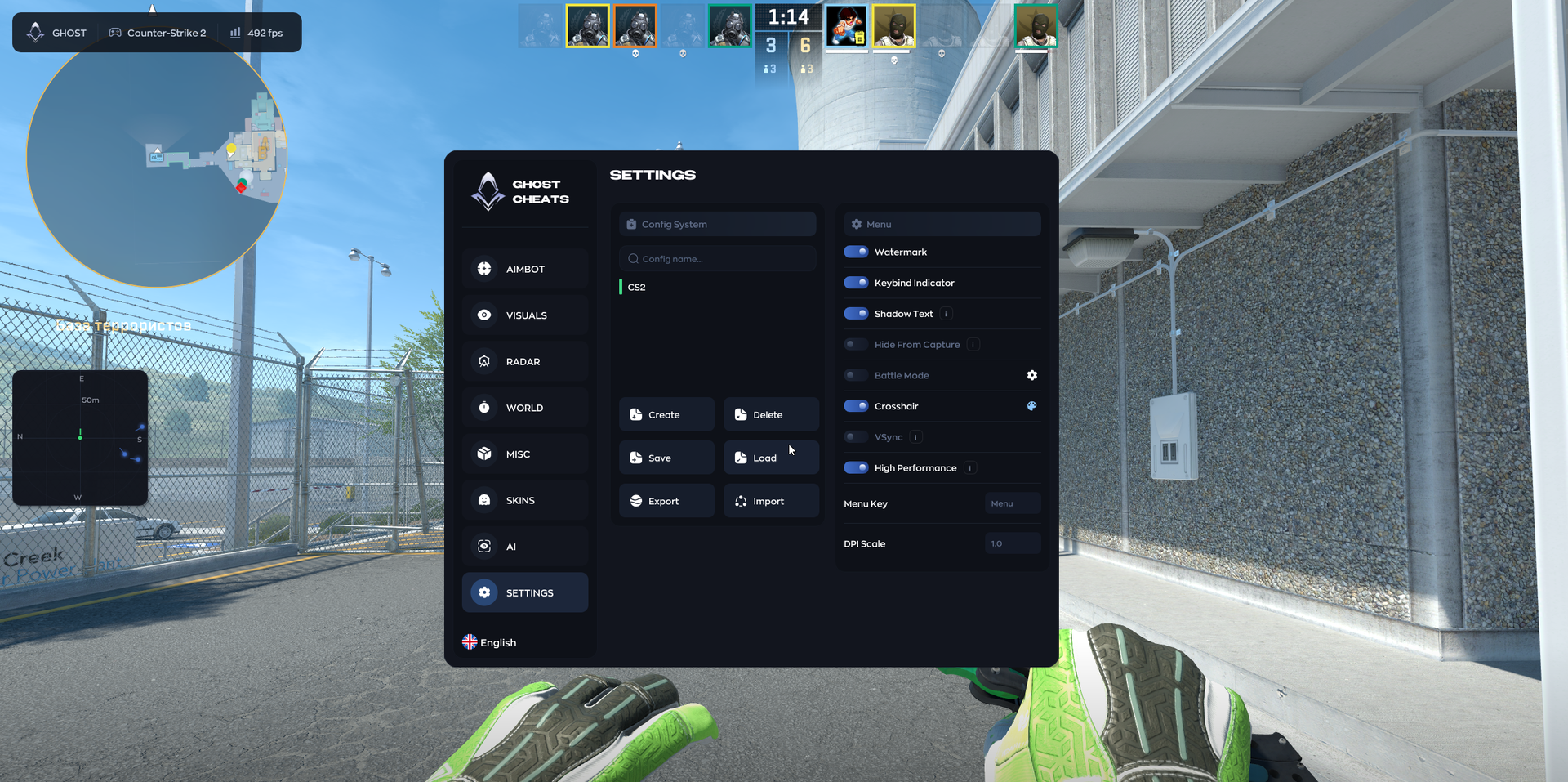
SETTINGS
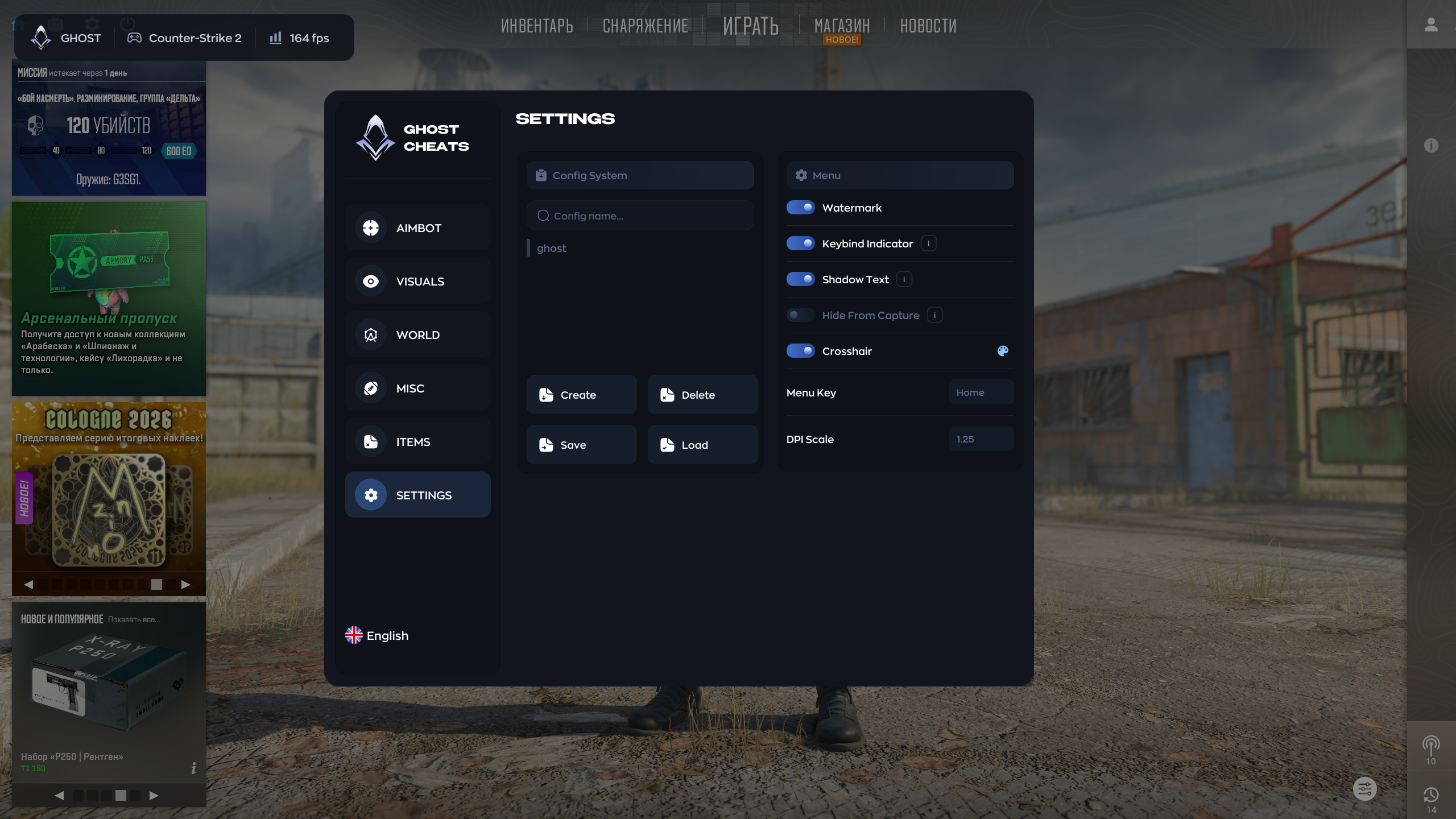
- High Performance
- Vsync
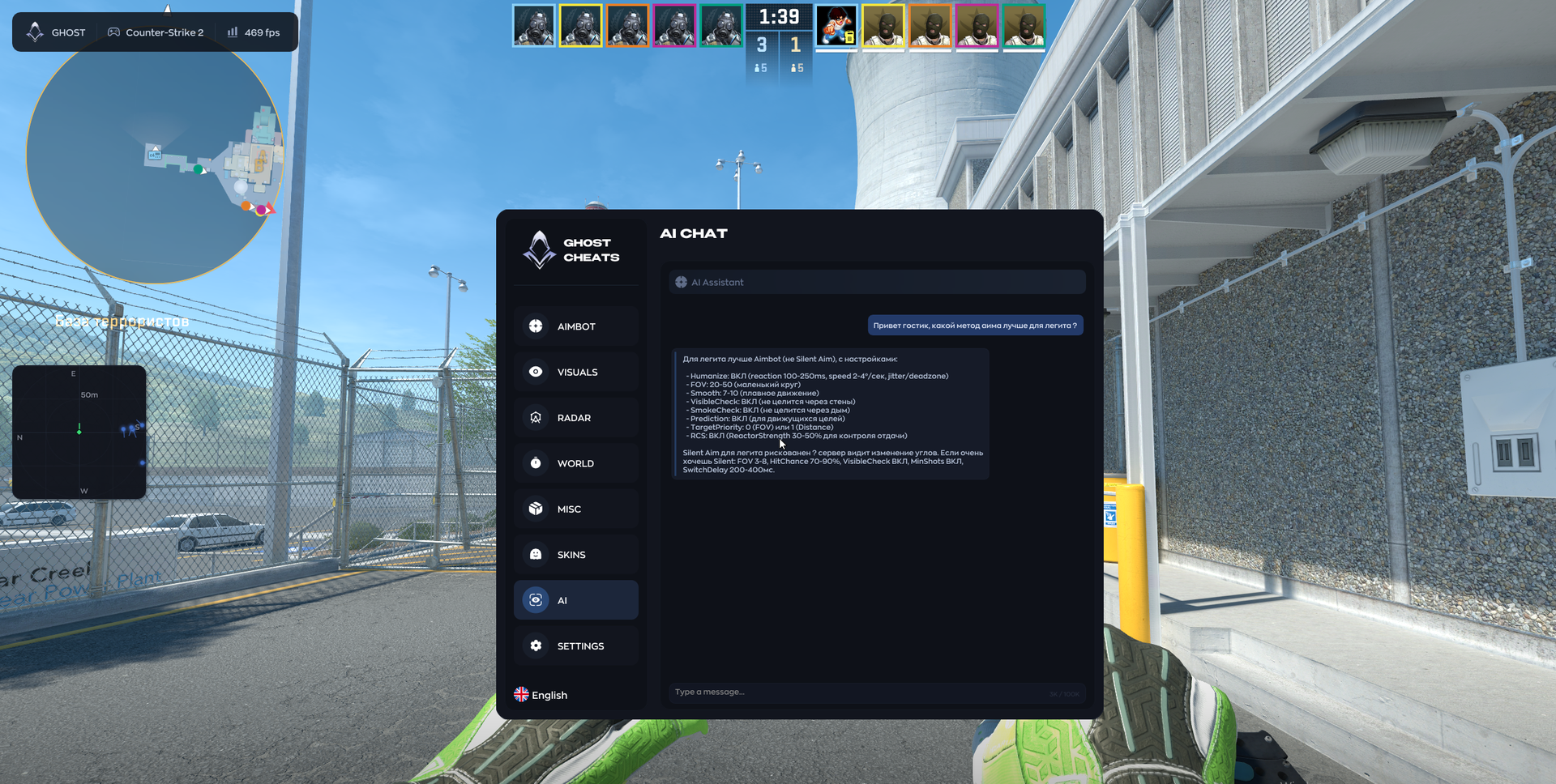
AI ASSISTANT
- Configure Silent Aim, SkinChanger, Chams and Hit Log through chat
MEDIA