WARDOGS
PRIVATE SOFTWARE
ANCIENT
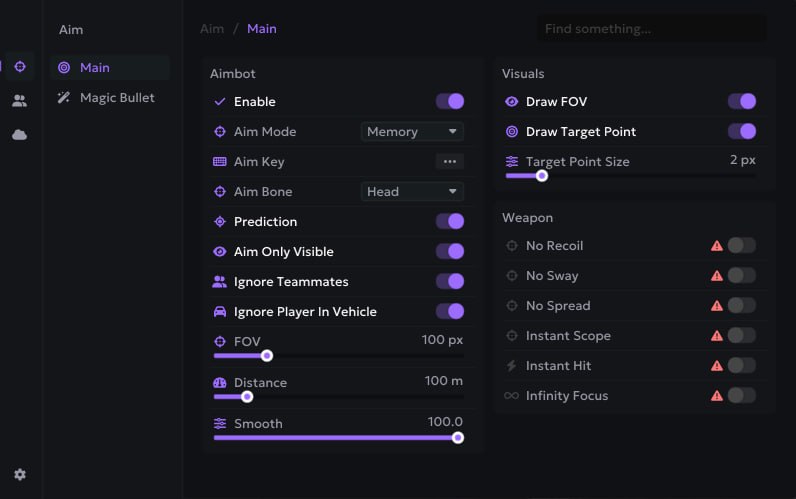
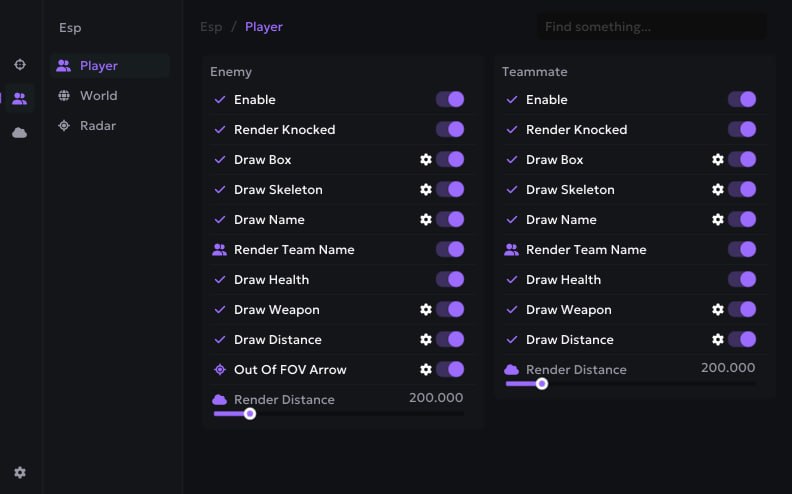
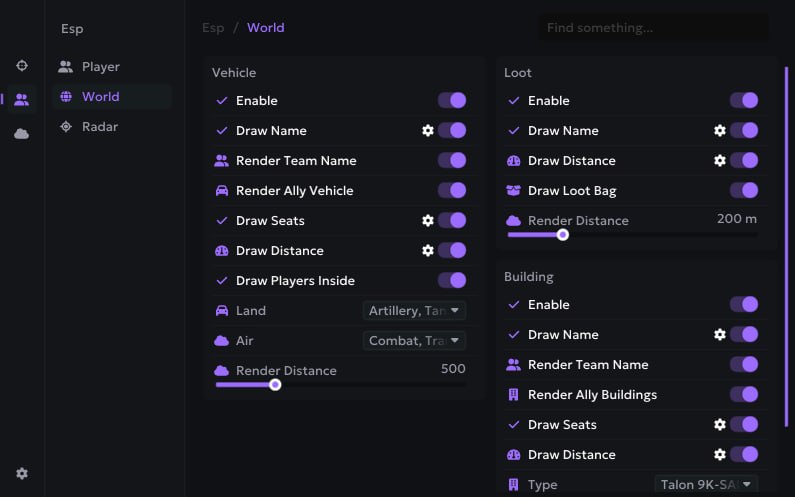
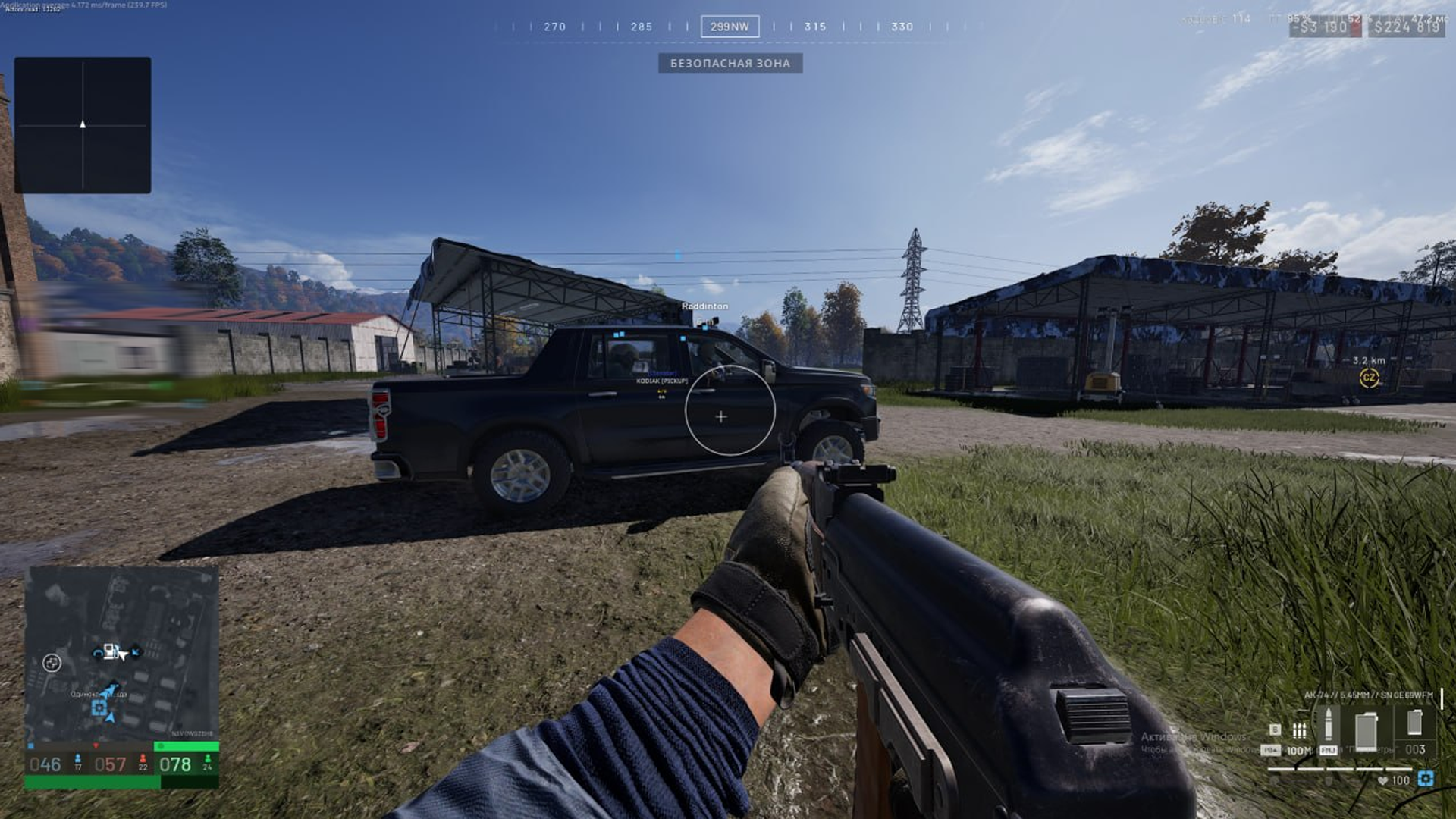
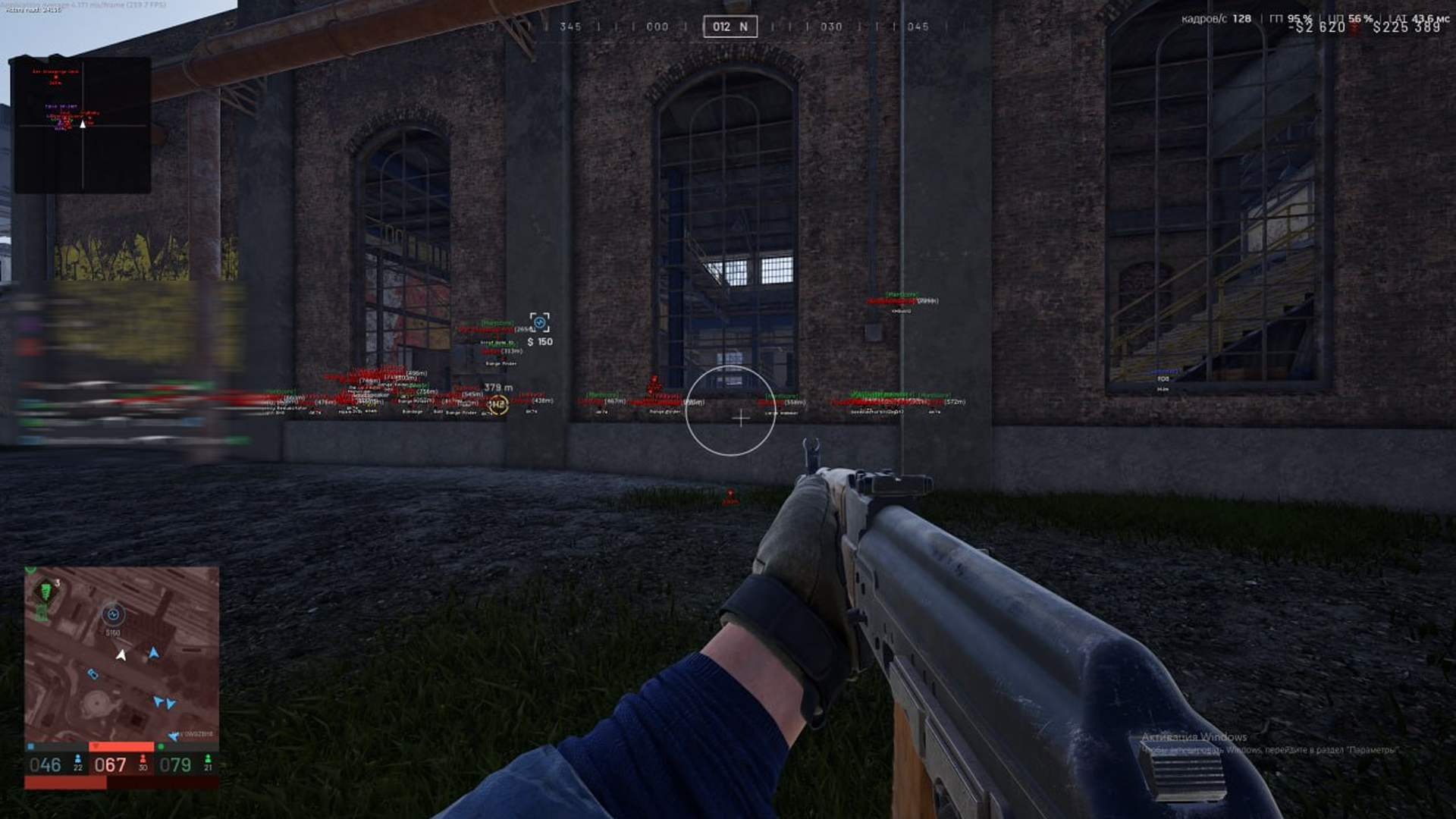
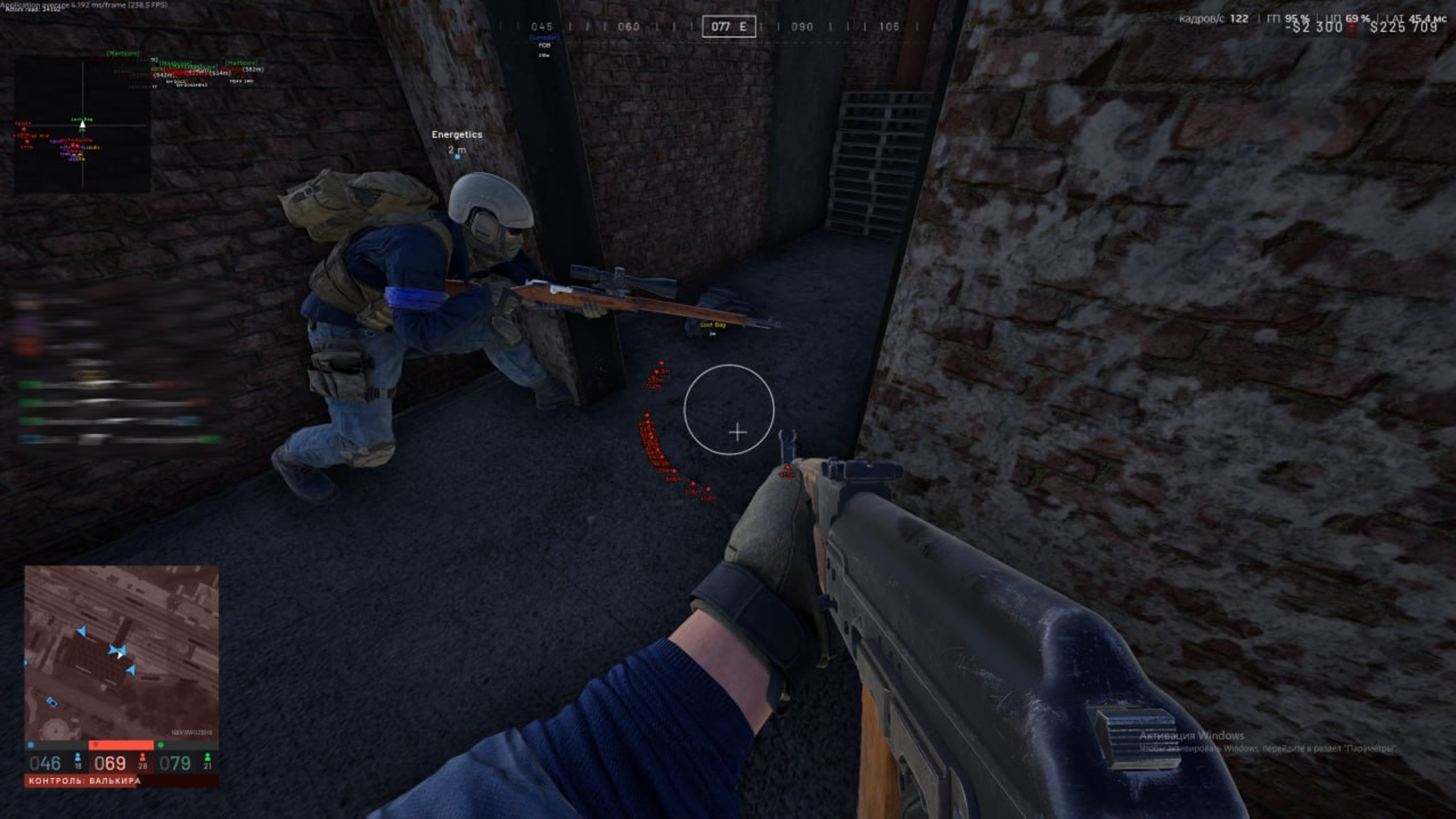
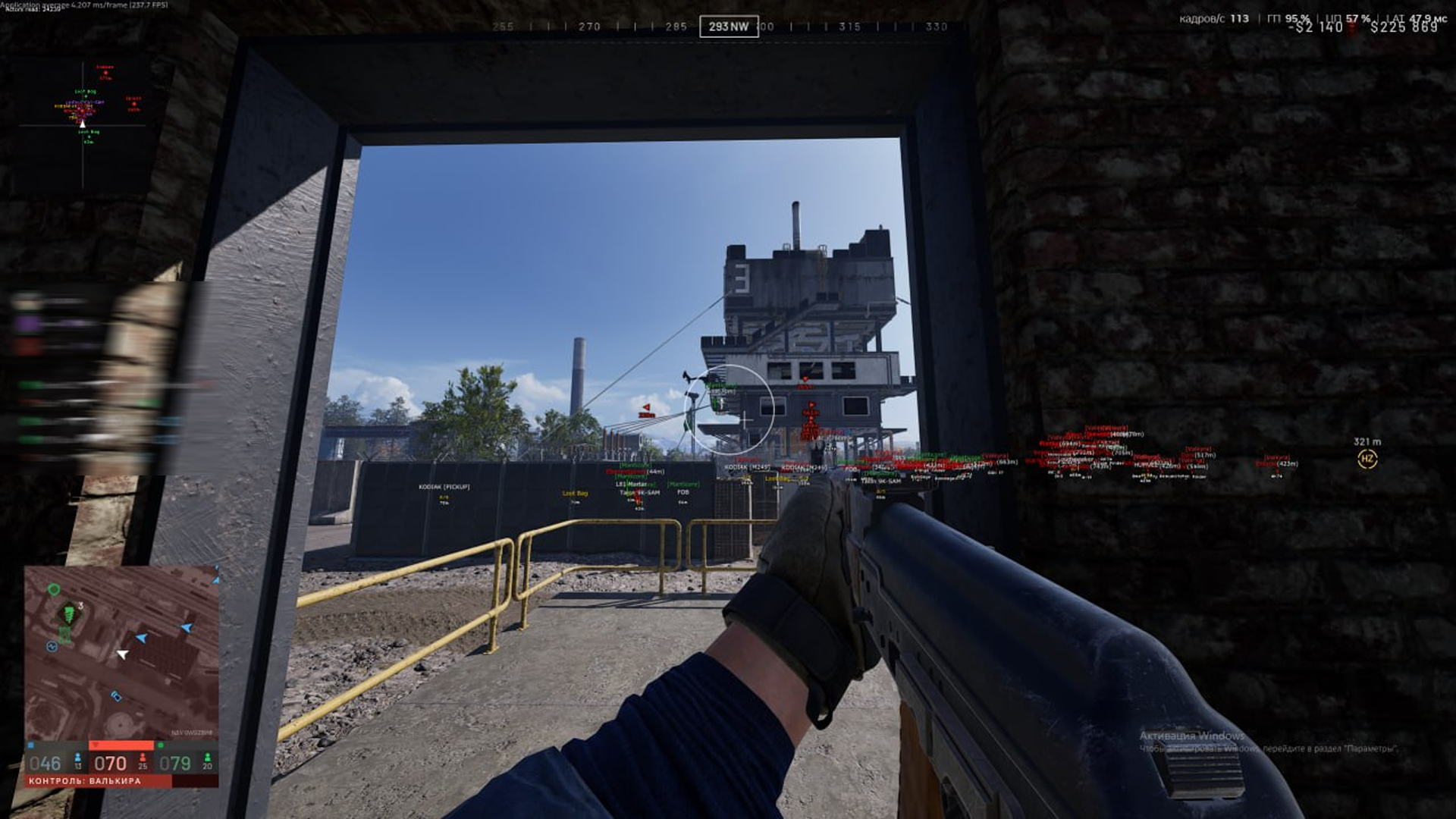
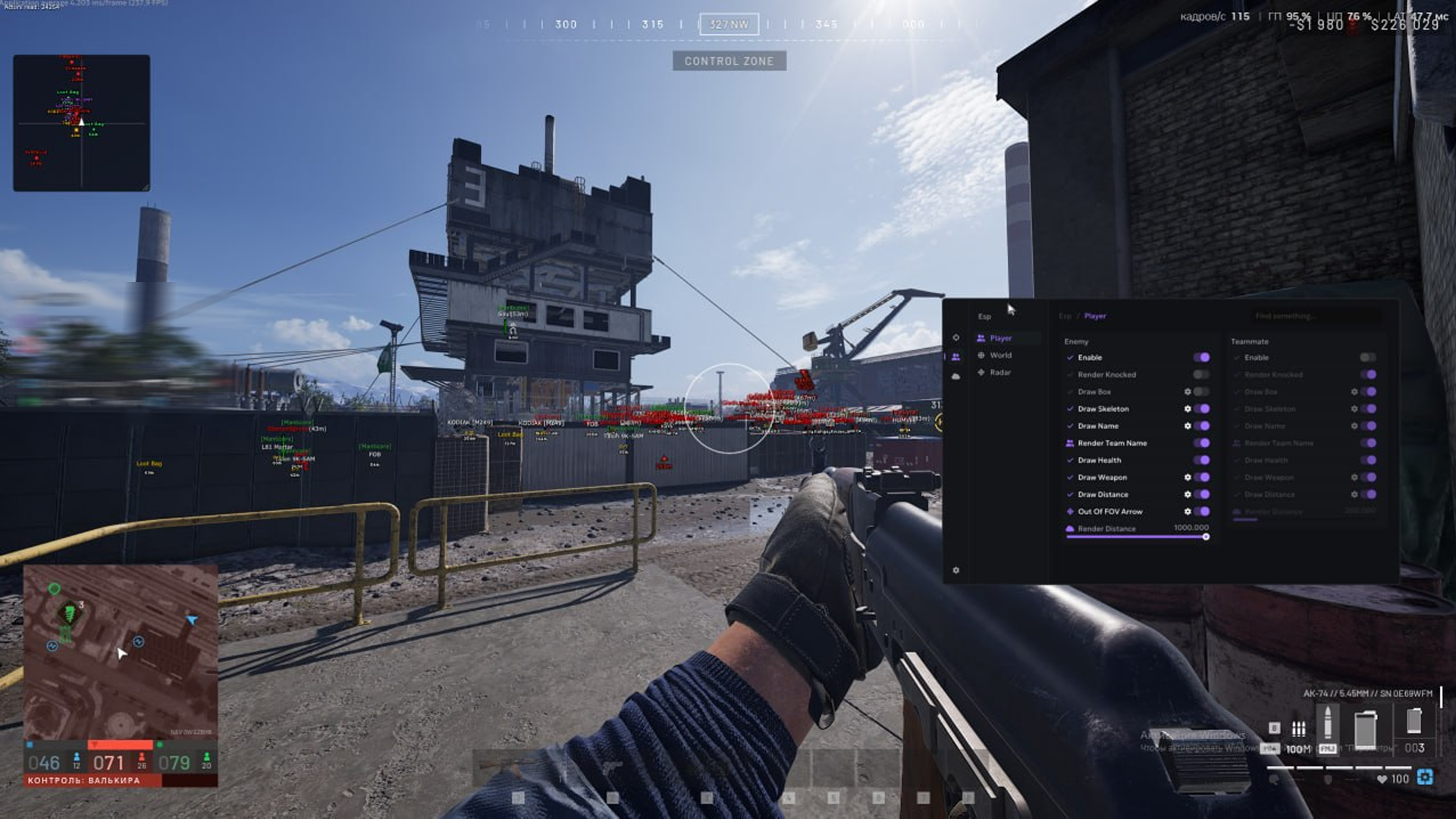
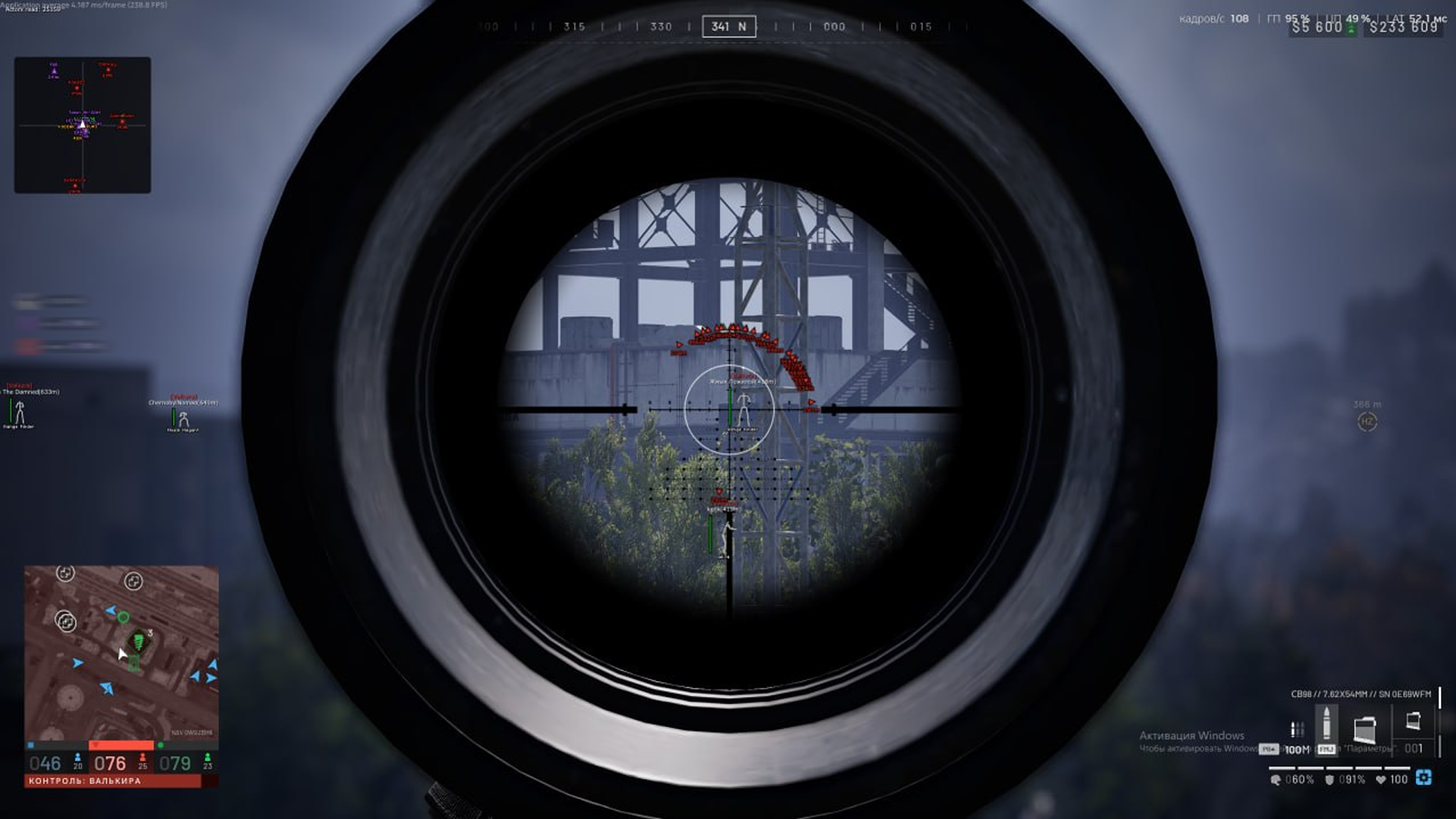
Ancient WARDOGS cheat pairs precise aimbot tuning with player ESP for a direct, tactical view of the match. Aim bone, prediction, FOV, distance, smoothing, and target-point settings sit alongside player and teammate boxes, skeletons, health, weapons, and distance, with vehicle names, seats, and occupants completing the picture. The result is a compact setup for keeping your aim and nearby activity in view.
STATUS
UNDETECTED

FEATURES
AIM
- Main
- Enable aim
- Aim mode: Memory | Silent
- Aim key
- Aim bone: Head | Neck | Body | Pelvis | Nearest
- Prediction
- Aim only at visible targets
- Ignore teammates
- Ignore players in vehicles
- FOV
- Distance
- Smoothing
- Visuals
- Draw FOV
- Draw target point
- Target point size
- Weapon
- No recoil
- No sway
- No spread
- Instant scope
- Instant hit
- Infinite focus
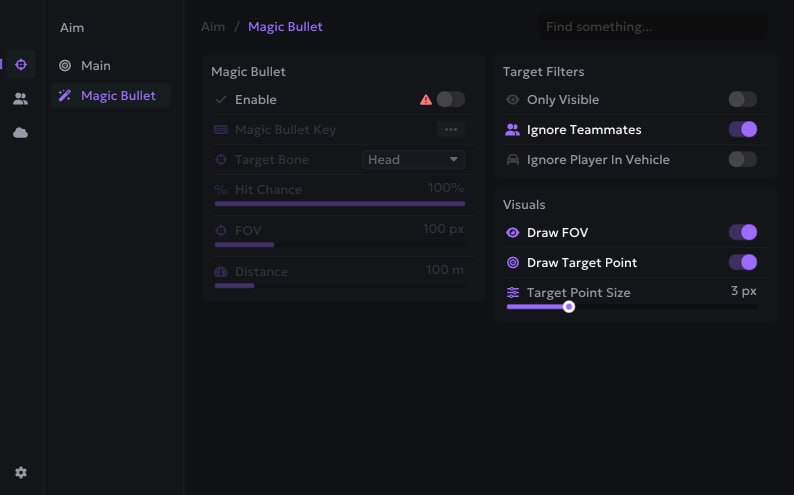
- Magic Bullet
- Enable Magic Bullet
- Magic Bullet key
- Target bone: Head | Neck | Body | Pelvis | Nearest
- Hit chance
- FOV
- Distance
- Magic Bullet target filters
- Only visible targets
- Ignore teammates
- Ignore players in vehicles
- Magic Bullet visuals
- Draw FOV
- Draw target point
- Target point size
ESP
- Enemy / teammate
- Enable display
- Show knocked players
- Draw boxes
- Draw skeletons
- Draw names
- Show team names
- Draw health
- Draw weapons
- Draw distance
- Arrows for targets outside FOV
- Render distance
- Vehicle
- Enable display
- Draw names
- Show team names
- Show allied vehicles
- Draw seats
- Draw players inside
- Land: Artillery | Tank | Transport | Spawn Vehicle
- Air: Combat | Transport
- Render distance
- Loot
- Enable display
- Draw names
- Draw distance
- Draw loot bags
- Render distance
- Building
- Enable display
- Draw names
- Show team names
- Show allied buildings
- Draw seats
- Draw distance
- Type: Talon 9K-SAM | L81 Mortar | Stingray | Vanguard CIWS | Loudspeaker | FOB
- Render distance
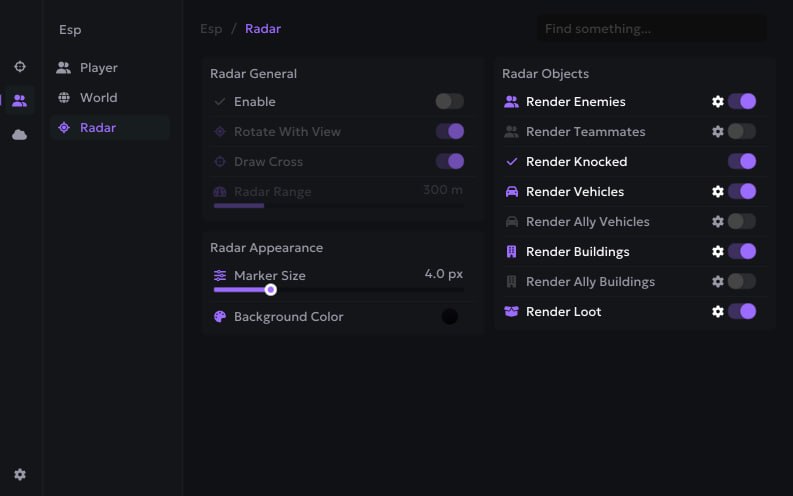
- Radar
- Enable radar
- Rotate with view
- Draw cross
- Radar range
- Radar appearance
- Marker size
- Background color
- Radar objects
- Show enemies
- Show teammates
- Show knocked players
- Show vehicles
- Show allied vehicles
- Show buildings
- Show allied buildings
- Show loot
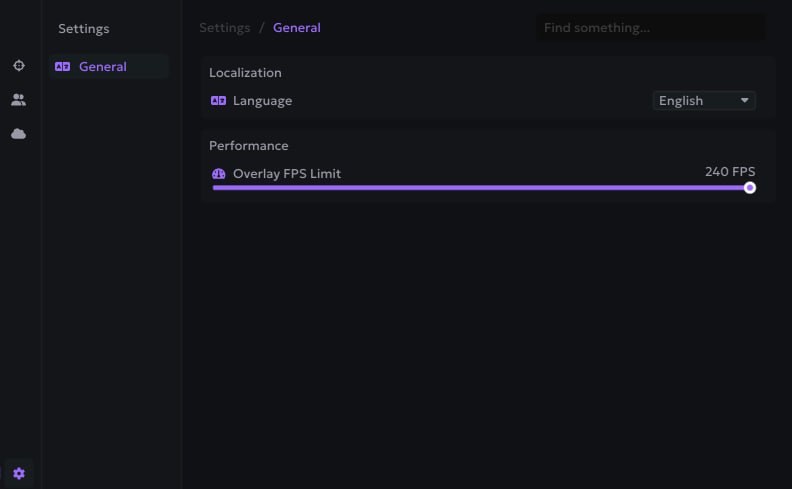
SETTINGS
- Language: English | Russian | Chinese
- Overlay FPS limit
MEDIA